
VokalityLumenDOCS

Lumen / Documentation

An assistant you can work with.

Chat with an expressive character, use interactive tools, and connect your services. Start here to make Lumen your own.

01

Get started

Build and launch Lumen, add your API key, and give your assistant its first task.

Set up Lumen →
02

Use Lumen

Manage tasks, save longer notes, focus with a timer, study flash cards, draw on a canvas, and research the web while keeping the conversation visible.

Explore the app →
03

Connect through MCP

Add remote or local MCP servers, sign in with your provider, and choose which tools the agent can use on your behalf.

Connect a service →
04

Extend its capabilities

Create tools and interactive cards using the Ragdoll extension framework. Lumen supplies storage, configuration, OAuth, and other host services.

Build an extension →

A conversation that gets things done
What is Lumen?

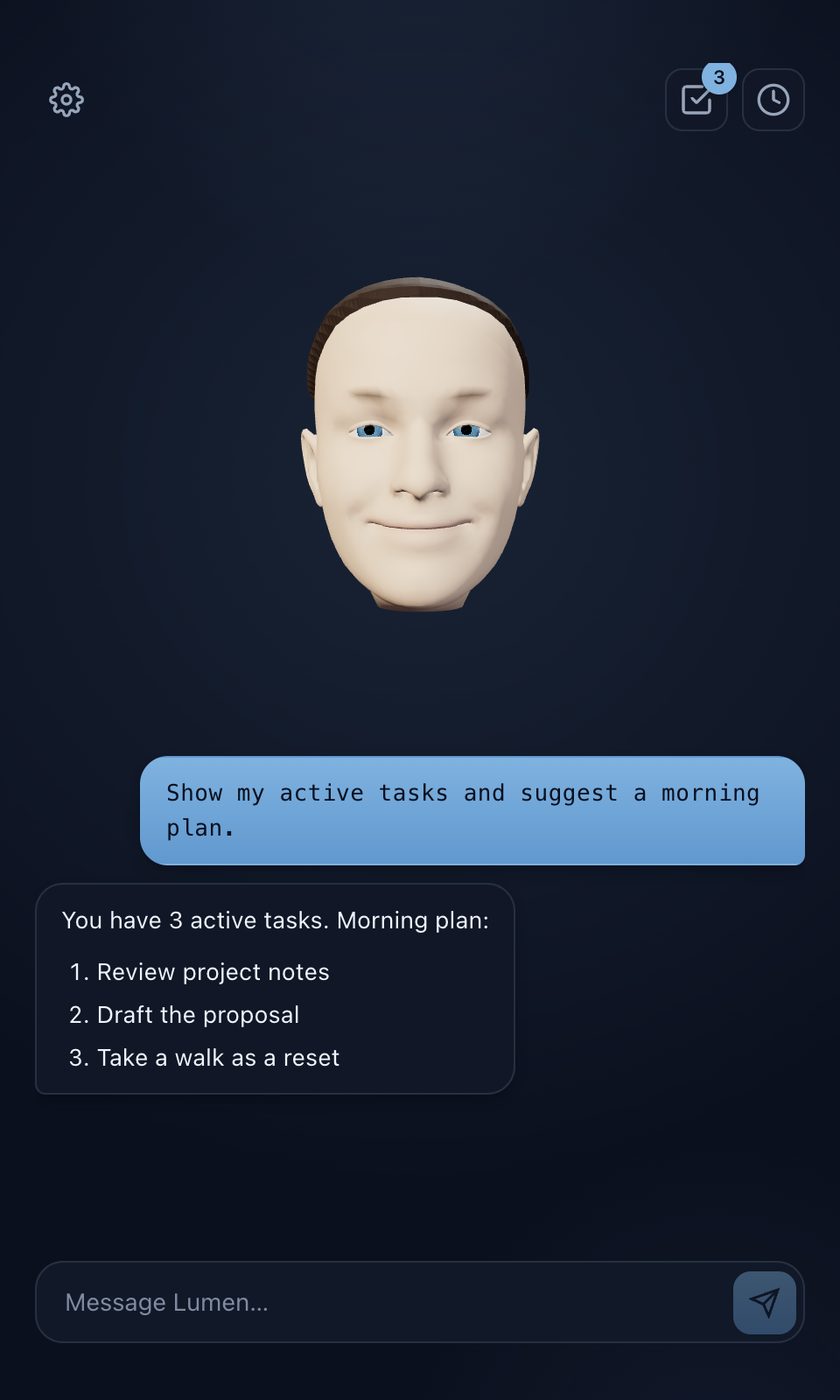
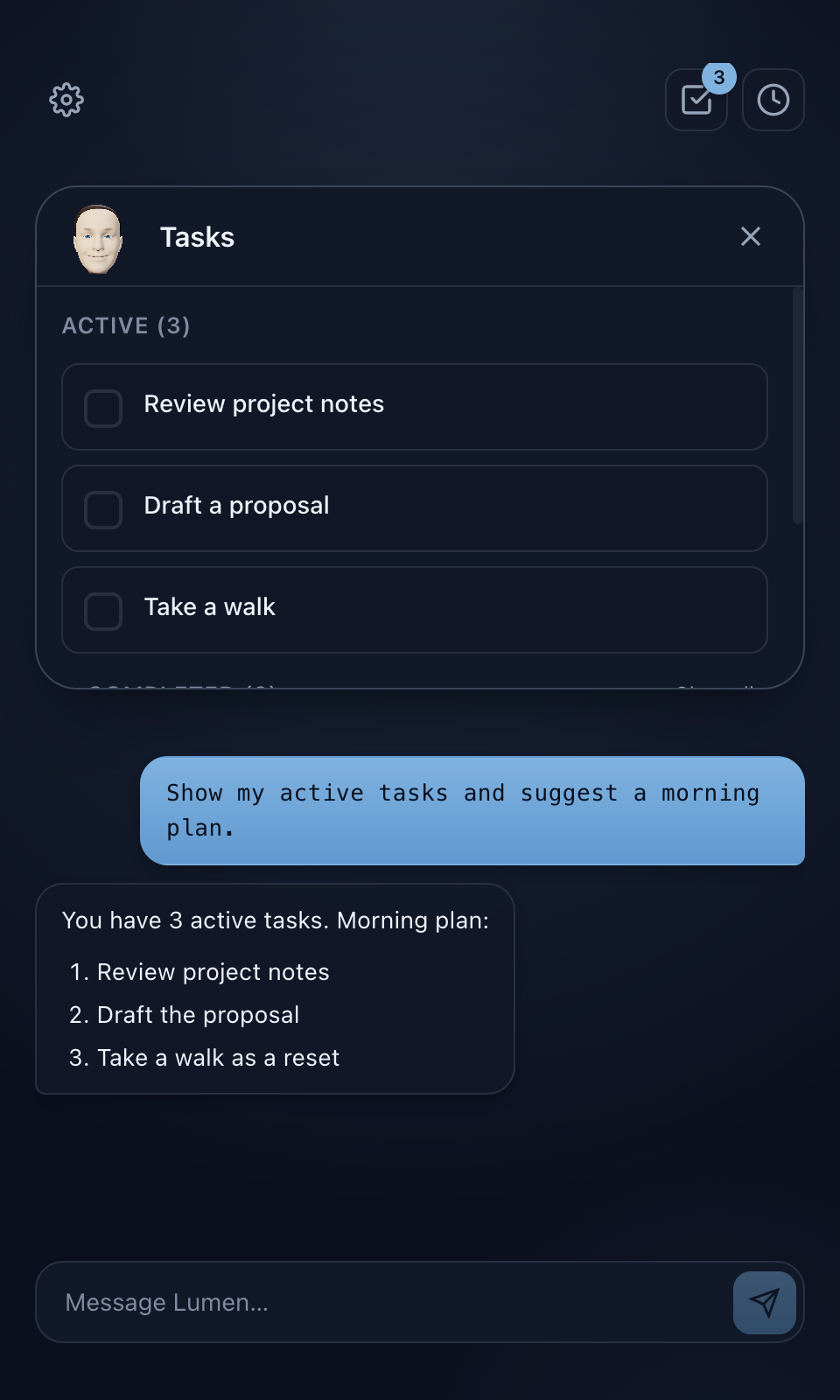
Lumen is an Electron desktop assistant powered by your choice of OpenAI or Grok and the Ragdoll character framework. Its agent can perform tool actions, control which extension card is open, and continue through several steps before replying. The animated character stays visible alongside your work.

These pages document the current source version of Lumen in the Ragdoll repository. Lumen runs on your desktop; this website contains documentation, not a browser version of the app.

Follow Getting started, then try the examples in How to use Lumen.

Search documentation